Why not just use Claude Code, Codex, Pi or OpenCode in a terminal?
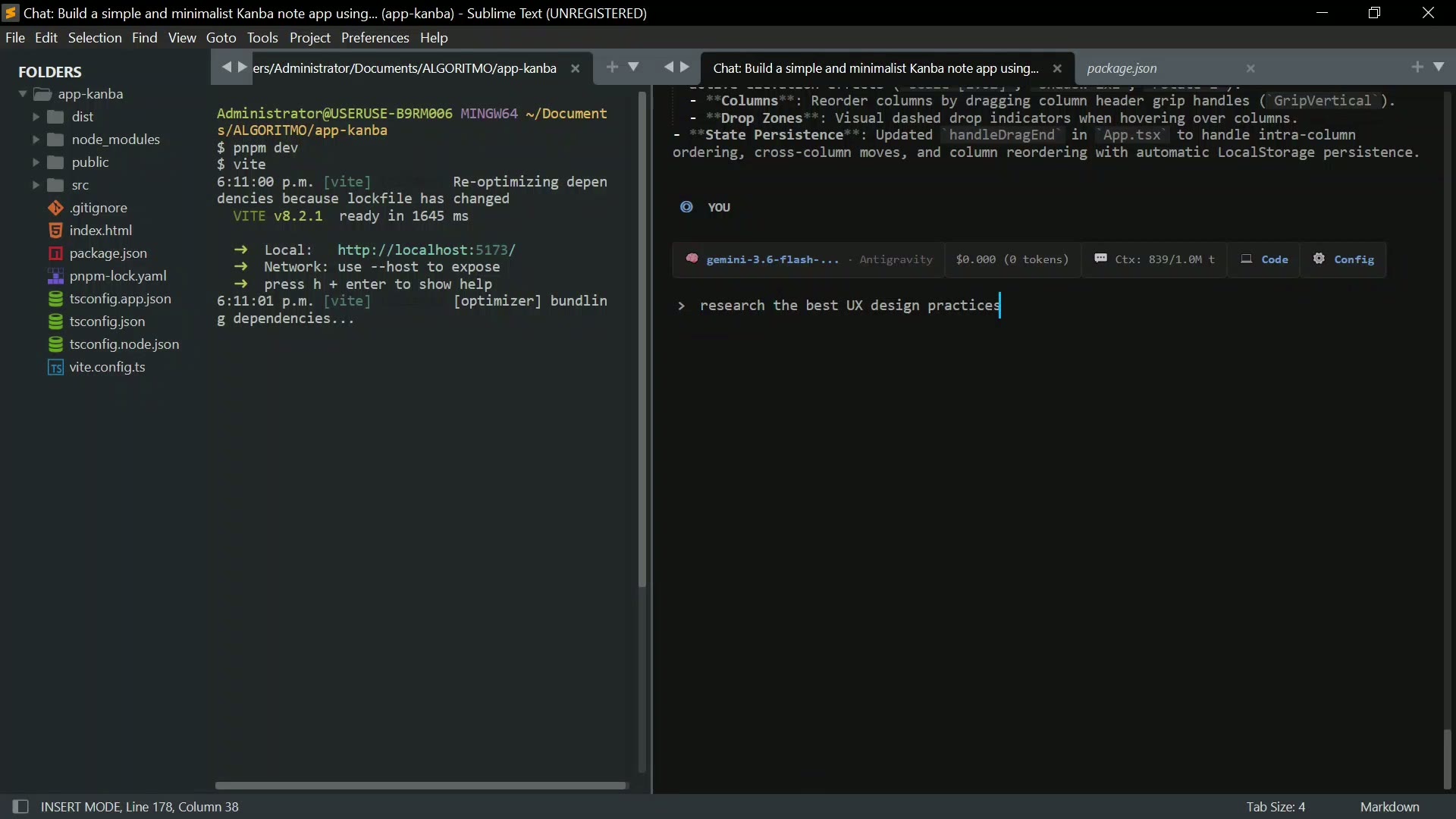
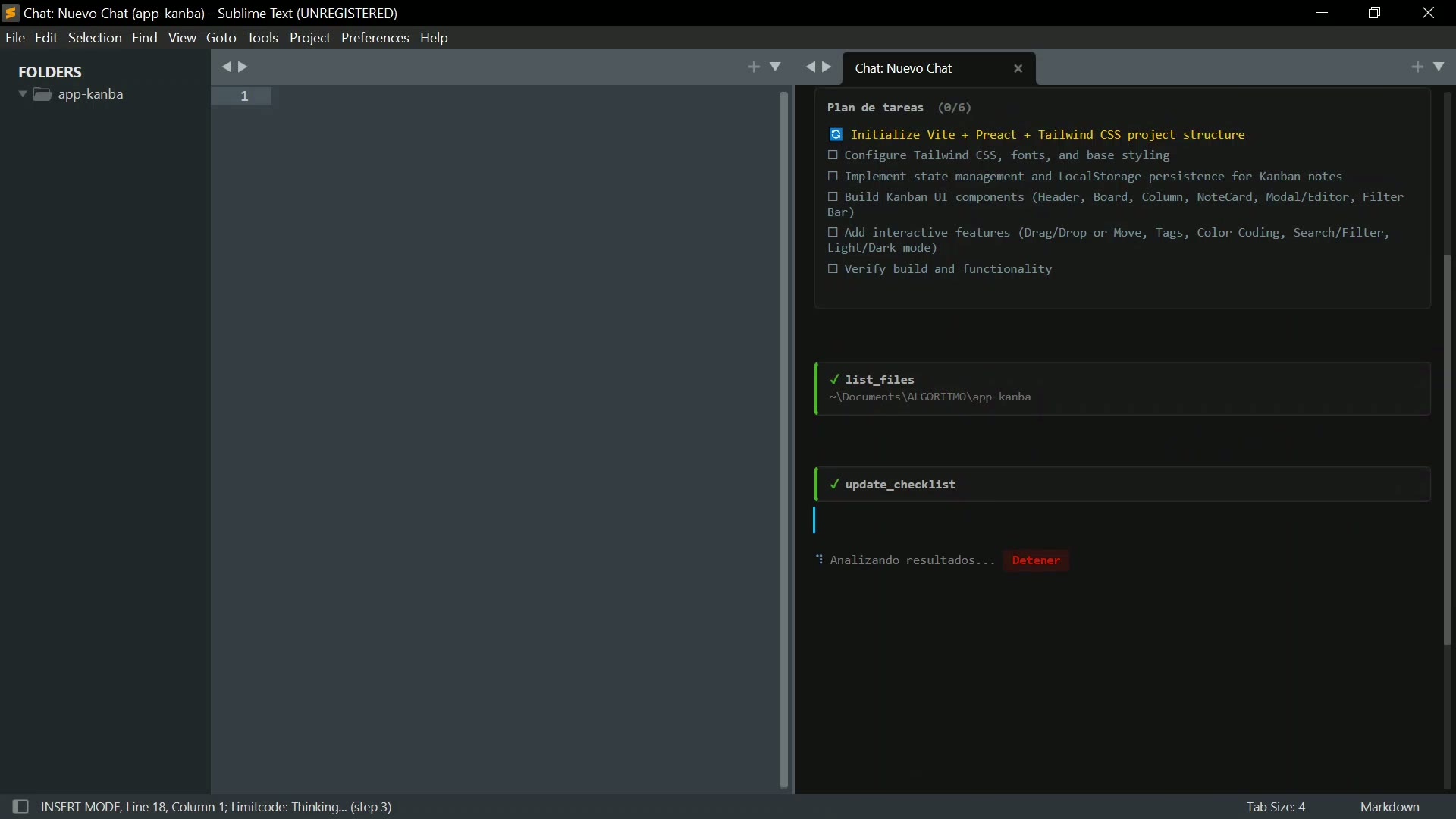
If you prefer a terminal-first workflow, those tools may be a better fit — Limitcode is not trying to replace them. Limitcode is designed for developers who want agentic coding integrated directly into Sublime Text. A realistic setup: Limitcode as the lightweight default agent inside Sublime, while still using terminal agents when a specialized workflow calls for them.
Does Limitcode require another background agent process?
Direct API providers work without a separate Limitcode agent daemon. Limitcode runs through Sublime's plugin environment, while optional CLI, account, and local integrations may use their respective runtimes.
Does Limitcode support diffs?
Yes. Limitcode supports basic change previews (diffs) so you can see proposed edits before they are applied.
Does it work with my Sublime Text version?
Limitcode targets Sublime Text builds 4050+. Download the package matched to your Sublime build.
Which AI providers can I use?
The main integrations are OpenAI, Anthropic, Google Gemini, GitHub Copilot, OpenRouter, and Mistral AI. Limitcode also includes OpenAI-compatible adapters for services such as DeepSeek and custom or local endpoints including Ollama, LM Studio, and LiteLLM. Model and tool compatibility still depends on the selected provider.
Do I need my own API key?
It depends on the integration. Direct API providers require your own key. Copilot uses an eligible GitHub account, CLI-backed providers use an existing local login, and local endpoints may not require a key. Provider usage or subscriptions are not included with Limitcode Pro.
How many devices can I activate?
Up to three personal devices. Periodic verification refreshes offline access, which can continue for up to 30 days after a successful check.
What happens before an edit or shell command?
Read, list, and search tools are allowed by default. File writes, change previews, shell commands, web search, page fetching, and MCP calls ask by default. You can change those rules in Limitcode settings, cancel an active run, and use Limitcode Undo or Redo for agent edits during the session.
What leaves my machine?
Your prompt and any file context or tool results included in a request are sent to the provider or endpoint you selected. Activation and periodic verification contact the Limitcode service. Local model inference can stay local, but occasional network access is still required.
Does it read unsaved buffers automatically?
No. File tools operate on the version stored on disk. Use Send to Agent when you want to include the current selection or the active file contents explicitly.
Where can I get help?
Email hola@jawuil.dev for installation, licensing, provider setup, bug reports, or feature requests.